The key point
Keep the image, the operating state and the next action in the same record. Without them, a later analyst cannot tell whether the asset changed or the capture conditions changed.
Why yesterday’s hot spot may look different today
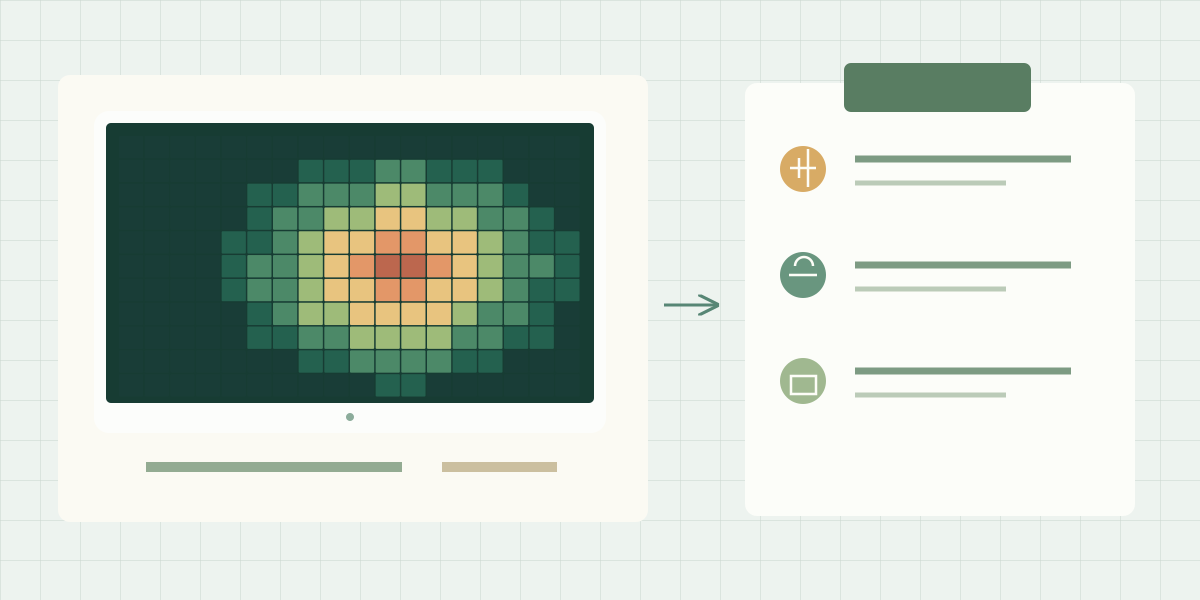
An analyst opens two thermal images of the same equipment and sees different colours. Before calling the asset better or worse, check whether its load, viewing angle, weather, measurement settings or display scale changed. Auto-ranging palettes can assign different colours to the same temperature across images.
This article is for the technician collecting evidence and the engineer or client reading the report later. The aim is a record that supports comparison and a follow-up decision, rather than an unexplained image.
Use this finding record on the first inspection
Fill these fields while the scene and operating state are known. If information is unavailable, record that explicitly so the analyst can judge the limit of the comparison.
| Field | What to enter | Why it matters |
|---|---|---|
| Finding and asset ID | Unique finding reference plus site, location and equipment identifier | Allows another person to locate the asset |
| Time and operating state | Capture time, time zone, load reading or documented operating condition | Distinguishes comparable from different operating states |
| Environment | Relevant ambient conditions, weather, wind, sun or recent rain | Preserves context affecting the observation |
| Acquisition | Camera, lens, distance, viewpoint and available measurement settings | Explains how the image was made |
| Evidence | Original thermal file, visible reference and analysis-software version | Keeps the finding reviewable |
| Observation and follow-up | Describe the pattern; assign the next check, owner and status | Converts an image into a work item |
Write an observation that another person can verify
A useful observation describes the location and pattern without claiming a cause that has not been established. For example: “Localised warmer area near the upper connection; comparison load unavailable; retain for a repeat inspection under documented conditions.” This is an illustrative wording example, not a finding from a real installation.
A weak entry such as “bad connection, repair immediately” skips both the evidence and the verification step. Diagnosis and urgency should come from the applicable inspection procedure, qualified interpretation and the asset’s operating context.
Make the repeat comparison explicit
Link the new record to the original finding. Compare the asset state and acquisition conditions before comparing temperatures. Where practical, use equivalent viewpoints and measurement areas. Keep the original values and images instead of overwriting the earlier record.
| Difference found | What to check | How to record the conclusion |
|---|---|---|
| Colours changed but values did not | Palette range and display processing | Display change; no temperature change established |
| Reported temperature changed with different load | Operating state and the inspection method | Conditions differ; trend not established |
| Pattern moves with viewpoint | Surface reflection and viewing geometry | Additional observation required |
| Comparable conditions and repeatable change | Measurement settings and independent asset evidence | Document the change and assign appropriate verification |
Keep the right original file
If the report needs only to show what the operator saw, an annotated image may be sufficient for that agreed purpose. If someone must later select a new point or inspect the measurement settings, retain a supported radiometric original and the software needed to open it.
The export path matters as much as the camera function. Transferring an image through a presentation or messaging tool can discard metadata or retain only a rendered picture. Store the original separately and link it from the finding record.
Where this workflow comes from
An Envi Tech AL post dated September 7, 2026 highlights representative load, ambient conditions and equipment identity. The template above expands that recording habit into a practical handover format. The post supplies context, not a calibrated measurement study.
Try the template on a short representative job before adopting it across a programme. Ask the receiving engineer to locate the asset, reopen the evidence and state the next action without contacting the original operator. Missing information in that exercise identifies what to improve.
Original source
View the original post and its available photos or video. Media stays hosted by X.
The original post could not load. Use the source link above.
Loading the embedded post connects your browser to X. You can read the article without loading it.
Sources & further reading
Match the payload to your requirements.
Compare documented specifications, then confirm the details of your integration.